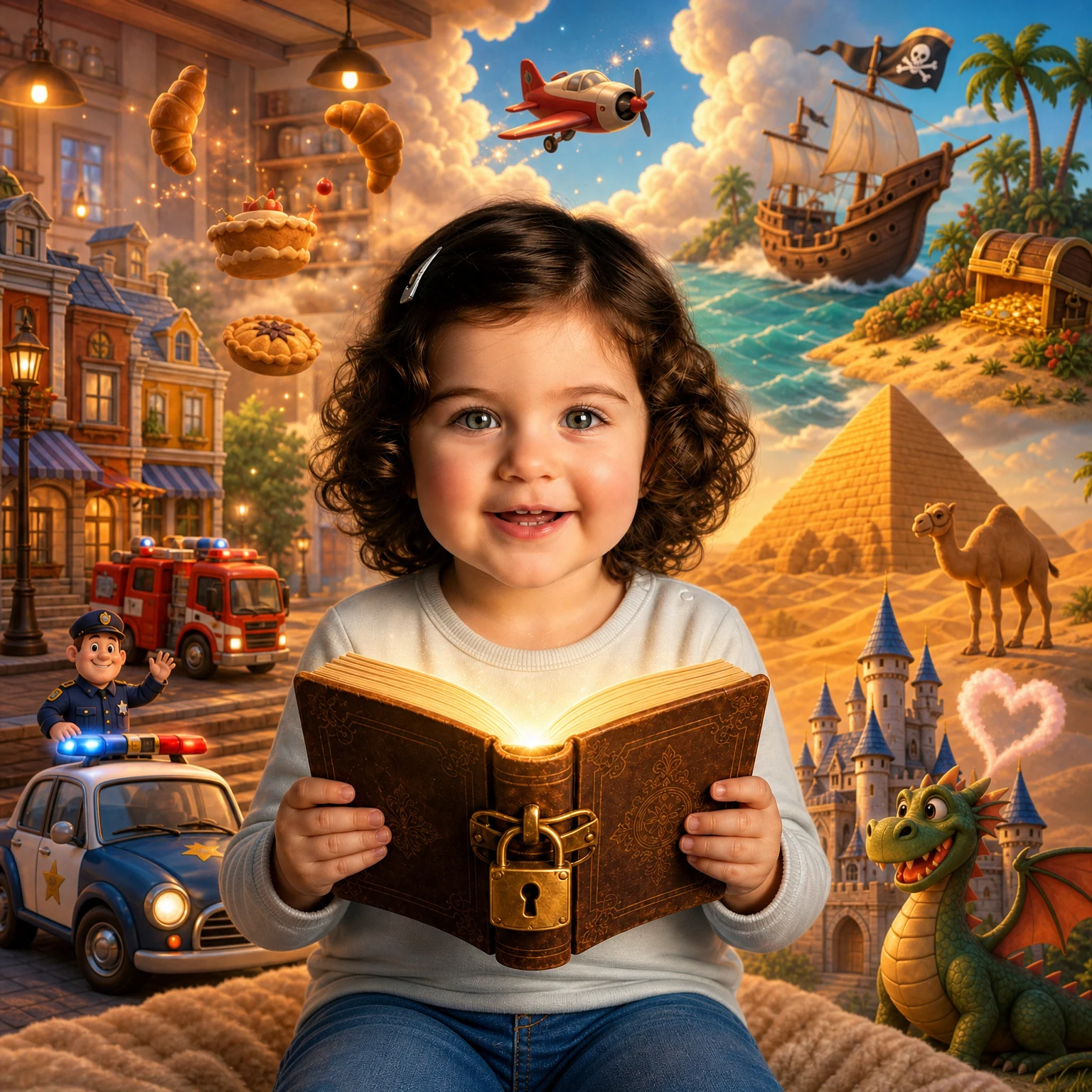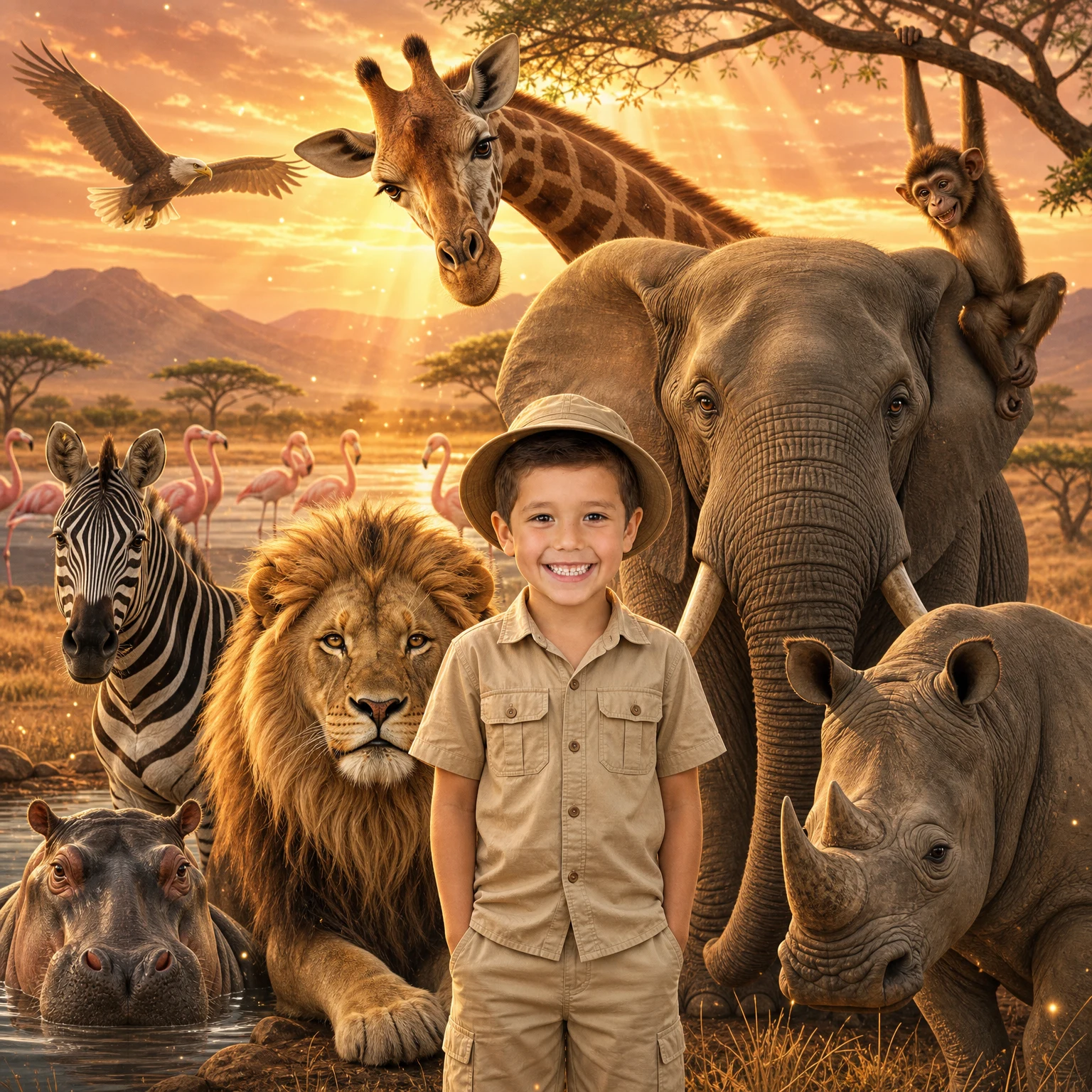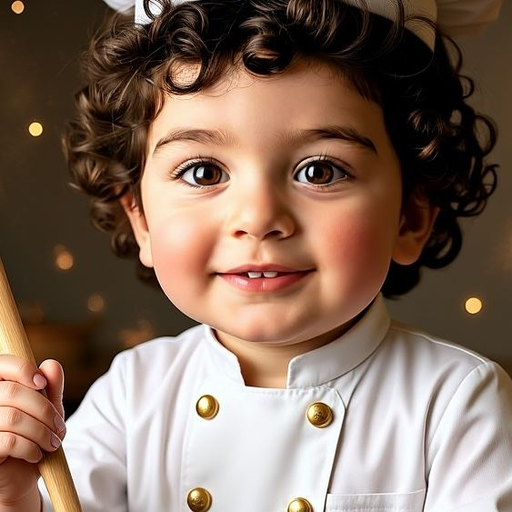
You wanted to make your child an AI children's book in which they are the hero, with their face, their name, their personality, and did not know where to start? In this article I show you exactly how to create an AI children's book for free, step by step, with tools everyone knows. And if you want an even more professional result, at the end there is also the easy way, in 60 seconds.
Why a personalized AI children's book is a gift that is not forgotten
Children aged 2 to 7 are at the stage where imagination is everything. When a child sees a personal book in which the hero carries their name, looks like them and faces challenges they know from life, something magical happens. They do not just read a story; they live it.
Research shows that children who identify with the hero of a story absorb educational messages far more easily than from a generic book. And when the hero is themselves? The effect multiplies.
What you need to create an AI children's book for free
The good news: creating an AI children's book for free is entirely possible with tools everyone knows. Here is what to gather before you start:
- A clear photo of the child: face visible, good light, looking at the camera if possible.
- An idea for the story: who is the hero? What is their dream? What do they overcome?
- A free ChatGPT account, for writing the text of the story.
- A free Canva account, for assembling the pages of the book.
- An AI illustration tool: Adobe Firefly, Gemini Storybook or DALL·E.
A tip before you start: decide on one educational message you want the story to carry, such as courage, friendship, self-love or perseverance. It gives the AI tool a clear direction and noticeably improves the result.
Step 1: write the children's book with ChatGPT
Go to chat.openai.com for free and build the story with a focused prompt. The more specific you are, the better the AI children's book will be.
What to include in the prompt: the hero's name, the child's age, the theme of the story such as space, the sea or a forest, the educational message, and a length of 10 to 12 pages with 2 to 3 sentences per page.
Example prompt: "Please write a children's story for a 5-year-old named Noa. The story is about Noa going on a space adventure where she helps a little alien find his way home. The educational message is about kindness and courage. Write 10 pages, 2-3 simple sentences per page. Friendly, warm, rhyming style preferred."
Did not like the result? Write: make the style simpler, add rhymes, shorten each page to 2 sentences, add light humor. ChatGPT adjusts right away.
Step 2: create illustrations for the book with AI
Every page of the story needs a matching illustration. Creating illustrations for a children's book with AI is possible with a few free tools.
Google's Gemini Storybook is the easiest: you get a whole illustrated story automatically, page design included. Adobe Firefly makes pretty illustrations in a childlike style, with 25 free images a month. DALL·E through ChatGPT lets you describe each page and get a matching illustration. It works well, but it does not keep the face consistent through the book.
Example illustration prompt: "A brave 5-year-old girl with curly brown hair flying a colorful rocket through a purple starry galaxy. She's smiling and waving. Tiny cute alien with big eyes sits next to her. Disney-Pixar animation style, warm golden lighting, magical background."
Good to know: the free tools draw an imaginary child, not your child. If you want the hero of the book to look exactly like your child, with their real face, skip to the end of the article for the solution that does exactly that.
Step 3: assemble the illustrated book in Canva
Now you have text and illustrations. Time to put them together into a book ready to read. Go to Canva for free and open a new design in landscape A4.
Choose a children's book template from Canva's gallery by searching "children's book". Upload the illustrations you created with AI. Insert the text in a big, rounded font. Keep one color palette throughout the book. Add a cover with the child's name and a last page with a dedication. Download as "PDF Print" for maximum print quality.
Free DIY AI book versus the fast way: an honest comparison
Did you do all the steps? Well done, the AI children's book you made is your own creation. But before you close the laptop, the differences are worth seeing.
- Creation time: DIY takes 2 to 4 hours, versus about a minute at Magical Book.
- The child's face in the book: DIY gives you an imaginary child; Magical Book gives you your child's real face.
- Consistency through the book: in DIY every illustration comes out different; at Magical Book the child looks the same on every page.
- Language of the story: in DIY you do everything by hand; at Magical Book the book comes in nine languages.
- Professional printing: in DIY you handle it yourself; at Magical Book you can order a printed book.
- Price: DIY is completely free; at Magical Book the preview of the cover and the first pages is free, and you pay only if you want the full book.
Tips that make the children's book magical
Include real characters from the child's life: a sister, a pet, their kindergarten. Children love recognizing details from their own lives inside the story.
Ask ChatGPT to add rhymes. Rhyme helps memory and reading flow, and it captivates children who do not read yet.
Turn it into a birthday gift: print it, bind it, and watch the child's face the moment they realize they are the hero. Parents have filmed that moment thousands of times.
10 to 14 pages is the ideal number. Too few and the story is too short; too many and small children struggle to finish. 12 pages is the sweet spot.
Want the hero to look exactly like your child?
Magical Book creates personal children's books with your child's real face: one photo from you, a whole book in nine languages, within minutes. A personalized children's book made with AI, with a free preview before you pay anything.